 listicle
Best Ergonomic Gear for Remote Coffee Shop Work
Quick Summary
The best ergonomic gear for coffee shop work is a portable laptop stand, which raises the screen to eye level and keeps your neck neutral. Pair it with a compact keyboard and a small wireless mouse so your wrists and shoulders stay relaxed in a small space.
- Cafe tables sit at roughly 29 to 30 inches, while typing desks are closer to 27 to 28 inches.
- A laptop stand is the most useful gear because it lifts the screen to eye level.
- Choose a stand you can deploy and pack away in under a minute.
- Keep the keyboard low so forearms sit roughly level with the tabletop.
- Unplug the charger first, then headphones, keyboard and mouse, and fold the stand last.
Table of Contents
- Why Cafe Tables Are Hard on Your Posture
- Best Portable Laptop Stands for Cafe Tables
- Portable Ergonomic Keyboards That Fit a Small Table
- Portable Wireless Mice for Tight Cafe Spaces
- Headphones, Cables and Other Carry-Along Gear
- Building a Coffee Shop Work Setup in Five Minutes
- Choosing Your Gear and Booking Your Next Work Session at Third Space Coffee
- Frequently Asked Questions
Why Cafe Tables Are Hard on Your Posture
Most cafe tables are built for a cup, not a laptop. They sit at roughly 29 to 30 inches high, which is a standard dining height, while a desk set up for typing usually sits closer to 27 to 28 inches. That gap pushes your shoulders up and your head forward, and after a few hours the strain shows up in your neck and wrists.
The best setups for coffee shop work usually come down to two things. The people who stay comfortable tend to solve two problems: screen height and hand position. A laptop that sits flat on the table forces you to look down, and a keyboard set too low bends your wrists. Fixing those two things does more for your posture than any chair upgrade.
Small cafe tables also limit space. You rarely get a full desk, so every item you bring has to earn its place. The gear below is chosen with that constraint in mind: light, fast to set up, and easy to pack back into a bag.
Best Portable Laptop Stands for Cafe Tables
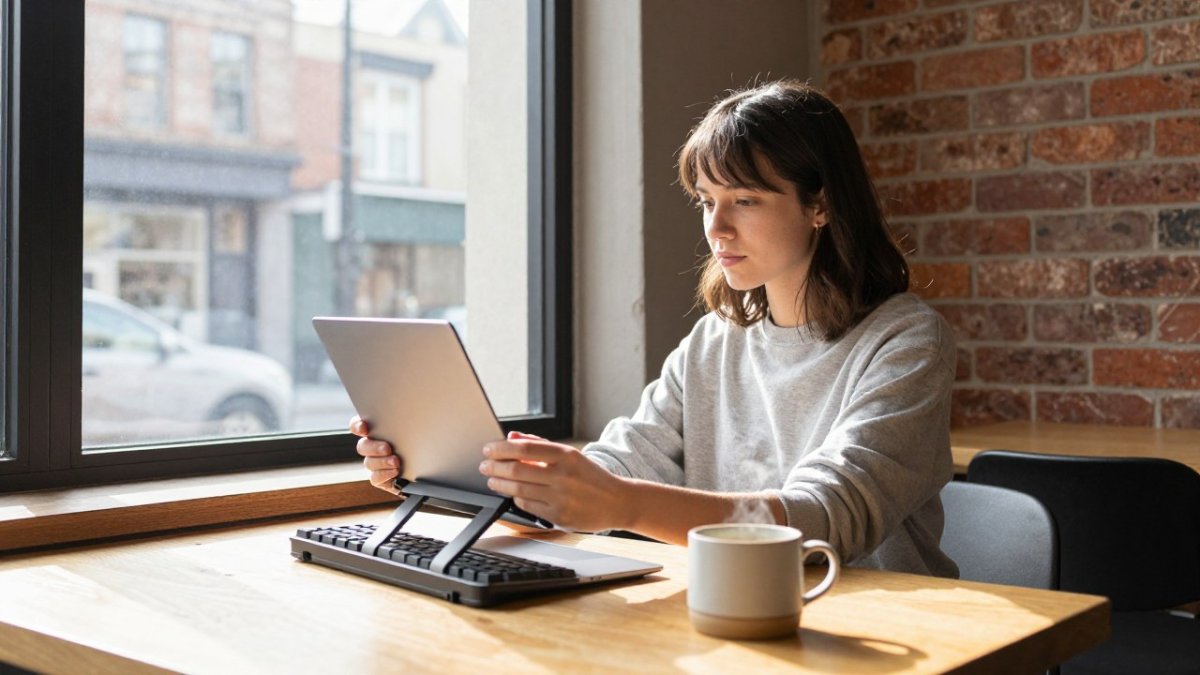
A laptop stand is the single most useful piece of gear for a cafe. It raises the screen so the top edge sits near eye level, which keeps your neck neutral. The options below are commonly described as suited to portable use, and pricing and specifications should be checked on the manufacturer's site.
Weight and Breakdown Time
Weight and setup speed decide which stand you actually use. A stand that takes two minutes to fold and unfold tends to get left at home. Look for something you can deploy and pack away in under a minute, and check that it stays steady on a wobbly cafe table.
Portable Ergonomic Keyboards That Fit a Small Table
A full-size keyboard assumes a full-size desk, and most cafe tables give you a fraction of that. The question is not only which keyboard is ergonomic in the abstract but which one stays usable when your table is 24 inches wide, wobbles, and has a coffee cup competing for the same space.
Three formats cover most remote workers' needs. A compact 60 to 75 percent keyboard removes the number pad and function row, which shrinks the footprint by roughly a third and lets your mouse hand sit closer to your body. A split or tented keyboard separates the two halves so your elbows can stay near your sides and your wrists can stay closer to neutral. A folding or roll-up keyboard is the lightest option and packs flat, but it usually offers less key travel and less stability on an uneven surface.
The ergonomic payoff depends on height as much as layout. Keep the keyboard low enough that your forearms are roughly level with the tabletop, and if your table is taller than your chair's ideal seat height, a thin wrist rest or a folded cloth can lift the heel of your hand without raising your shoulders. Avoid resting your wrists on a hard table edge, since sustained pressure on that spot is a common source of wrist discomfort in long sessions (The Effects of Work Surface Hardness on Mechanical Stress, Muscle Activity, and Wrist...).
Weight matters most for a bag you carry every day, so a compact keyboard is usually a sensible choice. Check the keyboard's footprint against the width of your table before you leave home, because a keyboard that is too wide forces you to reach across the table and undoes the posture benefit.
Watch out: a split keyboard with a fixed tent can be awkward to type on at a counter-height table, so test the tenting angle before committing to a long session.
Portable Wireless Mice for Tight Cafe Spaces
A mouse needs room to move. In a crowded cafe, a compact wireless mouse prevents you from reaching across the table or pinning your elbow to your side. Pick a size that fits your hand, and consider a vertical or smaller design if you notice wrist discomfort after long sessions. Pairing a well-fitted mouse with other thoughtful desk choices can ease the strain of cafe work, where Tech Meets Trend in a more comfortable setup.
Trackpad alternatives also work well when space is very tight. Whichever you choose, keep the mouse close to the keyboard so your shoulders stay relaxed.
Headphones, Cables and Other Carry-Along Gear
Noise is part of working in a cafe. Over-ear headphones with active noise cancellation help you focus when the espresso machine and conversations get loud.
Keep cables short and tidy. A cable clutter problem on a small table slows you down and tugs at your laptop. Use a short charging cable and a compact hub so you do not need to reach far to plug in.
Building a Coffee Shop Work Setup in Five Minutes
Most setup guides stop once the gear is on the table. The harder problem in a cafe is what happens at the end of the session, when you need to pack everything back into a bag in a few minutes without leaving a cable behind. A setup is only as good as its breakdown time, so this section treats deployment and packing as one routine.
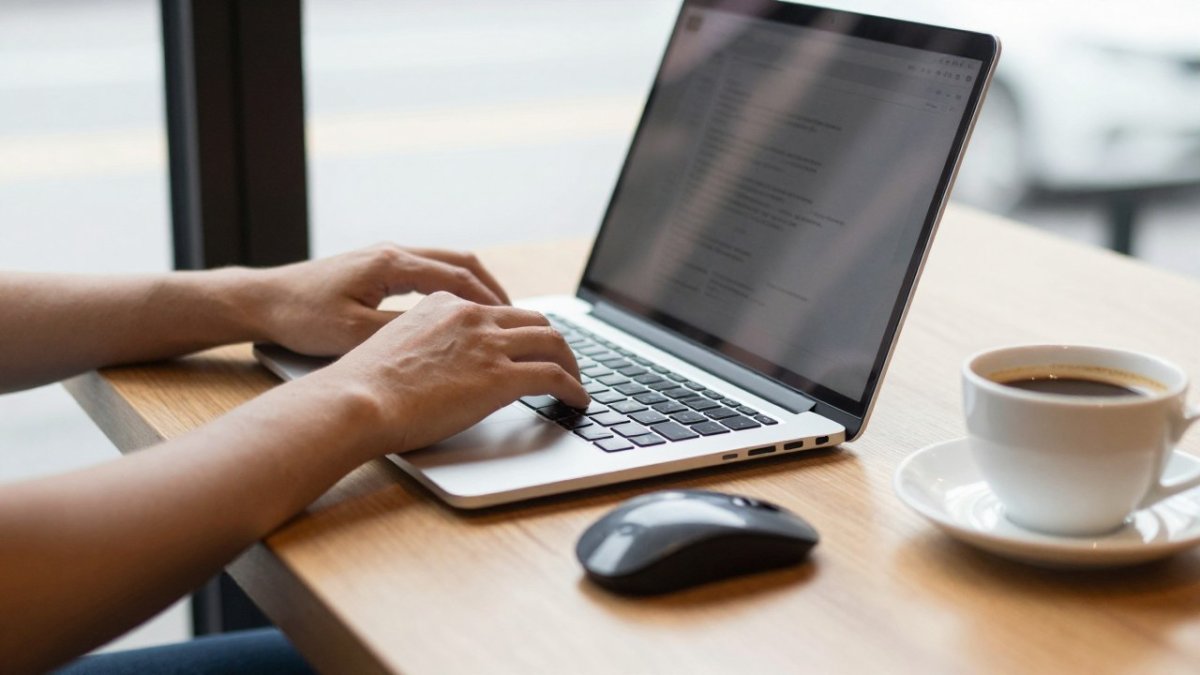
Start by sizing the table before you unpack. A typical cafe table is between 24 and 30 inches across, and many are small round tops on a single pedestal that tip when you lean on them. Set your laptop stand down first and press on the table's edge to check for wobble. If it moves, shift to a corner, reposition the stand, or stop using the table altogether.
Next, place the items in the order you will reach for them. The stand and laptop go in the center, the keyboard and mouse sit within a forearm's reach of your body, and the drink goes to the side, away from the keyboard. Charging cables should route from the outlet to the laptop without crossing the front of the table, which keeps you from knocking things over when you stand up.
Packing is the step most guides skip. Work backward through the same sequence: unplug the charging cable first, then the headphones, then the keyboard and mouse, and fold the stand last so it does not catch on anything. If your packing takes longer than your setup, the gear is too complicated for daily cafe use, and you should cut an item.
Weight determines how often you will actually carry your gear. A laptop stand that weighs under a pound, a compact keyboard, a small mouse, and a short charging cable add up to a kit most people can carry all day. Adding a portable monitor or a heavy stand can double that load, so decide which items you will use on every visit and which you will carry only when you know you need them.
If you want a permanent setup for an office or home, our complete work-from-home setup guide covers chairs and desks in more detail. For cafe work, the goal is the opposite: the smallest kit that still keeps your neck, wrists, and shoulders neutral for the length of a session.
The table below sums up the setup and packing steps the article describes, so you can run through them quickly.
| Step | What to do | Time or check |
|---|---|---|
| Size the table | Check the table's width and press its edge for wobble | Before unpacking |
| Place the stand | Set the laptop stand down first, in the center | First |
| Order the items | Keep keyboard and mouse within forearm reach | During setup |
| Route cables | Run the charger without crossing the table front | During setup |
| Unplug first | Disconnect the charging cable before anything else | Start of packing |
| Fold the stand last | Pack the stand last so it does not catch | End of packing |
| Cut slow items | Drop any item that takes longer to pack than to set up | Ongoing check |
Choosing Your Gear and Booking Your Next Work Session at Third Space Coffee
Start with the stand. Raising your screen addresses one of the most common posture problems at cafe tables, and everything else is easier to add once that is in place. Then add a compact keyboard and mouse only if you type or click for hours at a time.
If you are looking for a place to work next, our guide to finding remote-work-friendly cafes can help you compare options. At Third Space Coffee, we serve high-quality coffee roasted in-house and offer a space that suits focused work as well as meetings. For current seating, outlet availability and session details, contact us or check our website before you visit.
Frequently Asked Questions
What ergonomic gear should I bring to work from a coffee shop?
Start with a lightweight laptop stand, a compact wireless mouse and, if you type for long stretches, a portable keyboard. Add earbuds or over-ear headphones for noise and a short cable kit for power. Pricing varies by model and retailer, so check current prices on each manufacturer's site before you buy. Pack only what fits in your bag with your laptop.
What is the best portable laptop stand for working remotely?
The best portable laptop stand is one that is light, folds flat and raises your screen to roughly eye level without taking much table space. Compare stands by weight, height range and how quickly they break down. Confirm dimensions and adjustability on any product page before buying.
Are portable keyboards and mice worth bringing to a coffee shop?
They are worth it if you type or click for several hours. A laptop keyboard and trackpad keep your wrists bent and your shoulders hunched when the screen sits low. A separate keyboard and mouse let you position your hands at a neutral angle and keep your elbows near your sides. Weigh the added bag weight against how many hours you plan to work per visit.
How can I reduce neck and wrist strain while working on a laptop?
Raise the screen so its top edge sits near eye level, and use an external keyboard so your wrists stay relatively straight. Keep your elbows at about a right angle and rest your forearms lightly on the table. Take a short break every 30 to 45 minutes to stand and stretch. These steps matter more than any single product.