 ultimate-guide
What to Look for in Meeting Rooms: A 2026 Guide
Table of Contents
- What Makes a Good Meeting Room
- Questions to Ask When Renting Meeting Space
- How to Choose a Conference Room Layout for Your Group
- Essential Meeting Room Technology Checklist
- Meeting Room Rental Checklist: Physical Environment
- Hidden Costs and Contract Transparency
- Hybrid Meeting Accessibility and Support
- Frequently Asked Questions
Last Updated: August 26, 2026
What Makes a Good Meeting Room
A good meeting room combines technology, comfort, accessibility, and flexibility to support focused work. The best spaces adapt to your needs rather than forcing meetings into rigid formats. Fundamentals apply across all scenarios: reliable internet, adequate power outlets, climate control, acoustic quality, and furniture that doesn't distract from conversation.
Third Space Coffee understands this balance. Our meeting rooms are designed to support everything from intimate client meetings to larger team gatherings, with flexible layouts and professional amenities that let you focus on what matters.
The real test of a meeting room is whether people can do their best work inside it. That means asking hard questions before you commit to renting or booking a space.
Questions to Ask When Renting Meeting Space
Before signing any agreement, get concrete answers to specific questions that reveal whether a space will actually work for your group.
Start with the fundamentals. What's the exact capacity? How many power outlets are available, and where are they located? A room with four outlets hidden behind furniture isn't the same as one with outlets distributed around the perimeter.
Ask about internet. What's the actual bandwidth available? Is it dedicated to your meeting or shared with other events? Request a speed test result or ask about the service provider and plan tier. For hybrid meetings with video conferencing, you need consistency and reliability.
Clarify what's included. Does the rental price cover tables, chairs, basic AV equipment, or are those add-ons? What about parking? Get a complete breakdown in writing before committing.
Understand the contract terms. How far in advance must you book? What's the cancellation policy? Are there minimum rental durations? Hidden costs often appear in setup fees, equipment rental, or catering requirements.
Test the space if possible. Visit in person at the time of day your meeting will occur. Lighting, noise levels, and temperature vary throughout the day.
How to Choose a Conference Room Layout for Your Group
The layout of a conference room shapes how people interact and communicate. Different meeting types require different arrangements.

Boardroom Style for Executive Meetings
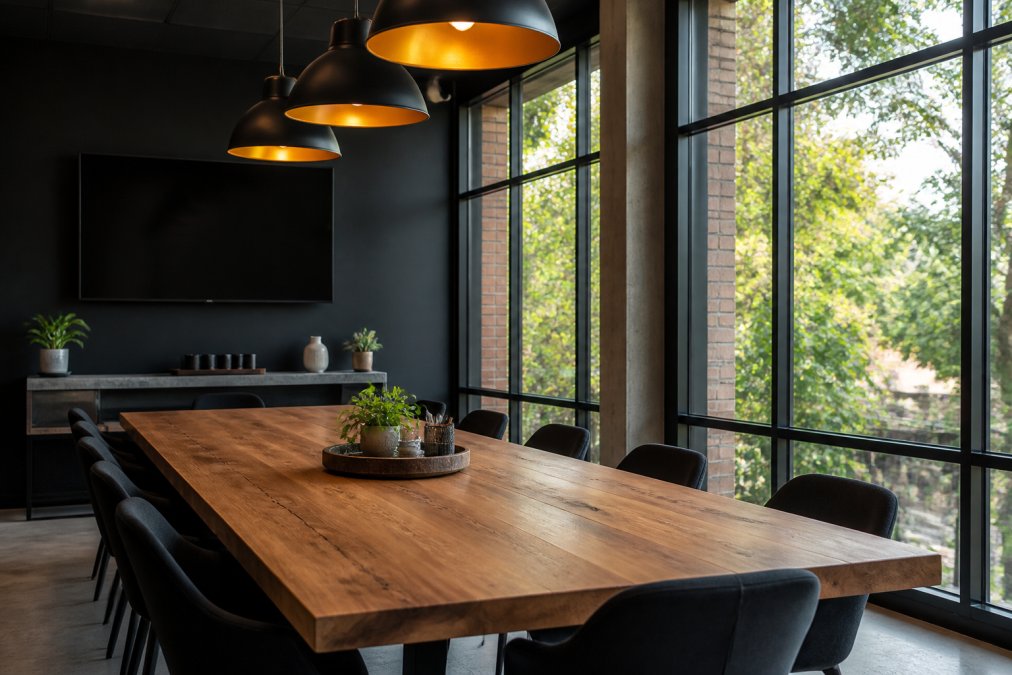
A boardroom layout positions participants around a single table, typically rectangular, with the most senior person at the head. This arrangement emphasizes hierarchy and formality, making it ideal for executive decisions, board meetings, or client presentations.
Boardroom-style rooms require adequate table length to accommodate everyone comfortably, roughly 24 inches per person along the table edge (osha.gov). Sightlines matter; everyone should see everyone else without craning their neck. Ensure the space has a digital display visible from all seats, adequate lighting without glare on screens, and temperature control for multi-hour sessions. This layout works best for groups of 8 to 20 people.
Huddle Room Configuration for Small Teams
A huddle room is an intimate space designed for quick team meetings, typically seating 4 to 8 people. This layout encourages collaboration and rapid idea exchange, working well for daily standups, project check-ins, or small-group problem-solving.
These rooms should feel open and accessible, not cramped. Furniture should be moveable so teams can adjust arrangements. Power outlets are critical, and acoustic treatment matters; a small room with hard walls can become uncomfortably loud. Huddle rooms typically cost less to rent, making them practical for frequent, short meetings.
Classroom Layout for Training and Workshops
Classroom-style seating arranges participants in rows facing a presenter or screen, with tables or desks for note-taking. This layout works for training sessions, workshops, presentations, or lectures.
Classroom layouts require clear sightlines from every seat to the screen or presenter. Rows should be slightly angled if the room is wide. Ensure adequate spacing between rows, at least 3 feet. For interactive training, consider a hybrid approach: classroom-style seating for presentations, but with space to rearrange chairs into small clusters for group work. hiring event photographers.
Essential Meeting Room Technology Checklist
Modern meeting rooms require technology that enables participation, documentation, and connection.
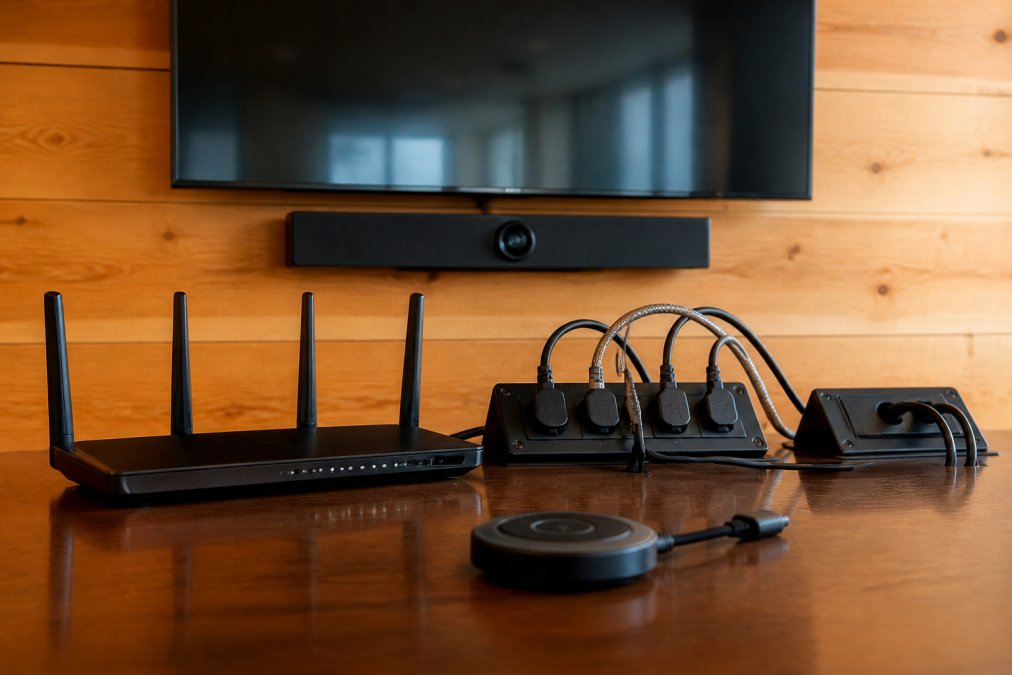
Video conferencing capability is essential. If your meeting includes remote participants, the room needs a camera, microphone, and speaker system capable of clear audio and video. Dedicated systems like Zoom Rooms or Microsoft Teams Rooms integrate these into a single interface. For smaller huddle rooms, a quality webcam and external microphone can work.
Screen sharing and wireless display matter more than ever. Participants should wirelessly share screens from laptops or mobile devices without hunting for adapters. Airplay, Miracast, or dedicated wireless presentation systems handle this.
Power outlets and USB charging must be abundant and accessible. Count outlets around the table and ensure they're distributed. USB charging ports are increasingly expected.
Internet connectivity should be rock-solid. Request actual download and upload speeds. For video conferencing with multiple participants, you typically need at least 2.5 Mbps upload and 2.5 Mbps download per participant (fcc.gov).
Audio equipment often gets overlooked. The room should have speakers loud enough to be heard from the back and a microphone system that captures voices clearly without feedback or echo.
| Technology | Purpose | Why It Matters |
|---|---|---|
| Video conferencing system | Connect remote participants | Ensures hybrid meetings feel inclusive |
| Wireless screen sharing | Display participant content | Reduces setup time and technical friction |
| Power outlets | Device charging | Prevents dead batteries during meetings |
| High-speed internet | Data and video streaming | Supports video calls without lag or dropouts |
| Audio system | Clear communication | Ensures everyone can hear and be heard |
| Digital display | Visual content | Makes presentations and collaboration visible |
Meeting Room Rental Checklist: Physical Environment
The physical environment shapes comfort and productivity.
Lighting, Temperature, and Acoustics
Lighting directly affects focus and mood. Natural daylight is ideal. If the room has windows, verify you can control glare with blinds or curtains. Artificial lighting should be bright enough to read and write comfortably, typically 300-500 lux (ies.org). LED systems with color temperature around 4000K feel more natural. Dimmable lights give flexibility for presentations.
Temperature control matters more than people admit. A room that's too cold or too hot breaks concentration. Ideally, the space should have independent climate control or a thermostat you can adjust.
Acoustics are often overlooked. A room with hard walls, tile floors, and glass surfaces becomes an echo chamber. Ask about sound-dampening measures: carpeting, acoustic ceiling tiles, or wall panels. For sensitive conversations or video calls, acoustic quality is critical.
Accessibility and Parking
Accessibility is a legal requirement under the Americans with Disabilities Act (ADA). The venue should provide accessible parking spaces near the entrance, level or ramped access to the building and meeting room, accessible restrooms, and seating that accommodates wheelchairs or mobility devices.
Parking affects attendance. Ask whether the venue provides parking, if there's a cost, and how many spaces are available. For a meeting of 15 people, you need at least 12-15 parking spaces.
Transit accessibility matters for attendees without personal vehicles. Is the space near public transportation? What's the walking distance from the nearest bus stop or train station?
Third Space Coffee's location in Colorado Springs offers convenient access for local teams and organizations. When evaluating any meeting space, ask whether the venue makes it easy for all attendees to arrive.
Hidden Costs and Contract Transparency
Meeting room rental prices often look reasonable until you see the invoice. Hidden costs accumulate quickly.
Setup and breakdown fees are common. Ask whether setup is included or charged separately.
Equipment rental adds up. A projector might cost $50-150; a dedicated video conferencing system could be $200+. Ask for a complete equipment list and pricing.
Catering minimums appear in some contracts. Confirm whether you can bring your own coffee and snacks or if outside food is prohibited.
Cancellation policies vary widely. Read the fine print and understand the financial risk if your plans change.
Parking and access fees sometimes aren't included in the quoted room rate. Ask what's included in the base price.
Request a detailed, itemized quote that breaks down every cost. A transparent venue lists room rental, equipment, parking, catering, and any additional fees upfront.
Hybrid Meeting Accessibility and Support
Hybrid meetings, where some participants attend in person and others join remotely, require different considerations than in-person-only gatherings.
Video conferencing quality becomes critical. The camera should capture the entire room so remote participants feel included. Wide-angle cameras work better than narrow ones. Position the screen showing remote participants where in-person attendees can see it easily.
Audio is harder than video. Remote participants need to hear everyone in the room clearly. This requires a quality microphone system that captures voices from all around the table. Ceiling-mounted microphone arrays work well.
Internet bandwidth must handle simultaneous video streams. Test the connection with the expected number of participants before the actual meeting.
Technical support during the meeting prevents disasters. Some venues offer on-site IT support or a dedicated tech person. If the venue doesn't provide this, you'll need someone in your group who can handle technical issues.
Ask the venue about their hybrid meeting experience and whether they can provide references from other organizations.
Choosing the right meeting room requires balancing multiple factors: layout, technology, physical environment, accessibility, and cost transparency. The best spaces enable the work happening inside them.
At Third Space Coffee, we've designed our meeting rooms to support the way modern teams actually work. Whether you're hosting a small team huddle, a client presentation, or a larger organizational gathering, our flexible spaces, reliable technology, and commitment to creating a welcoming environment mean you can focus on your meeting, not the logistics. Explore our meeting room options and discover how we can support your next gathering with high-quality space, excellent coffee, and the community-oriented service that defines Third Space Coffee.
Frequently Asked Questions
What are the most important questions to ask before booking a meeting room?
Ask about capacity and layout options, high-speed internet speed and reliability, video conferencing equipment compatibility, parking availability, accessibility features, catering or refreshment access, acoustics and soundproofing quality, cancellation policies, and what's included in the rental fee versus additional charges. Understanding these details prevents surprises and ensures the space fits your specific meeting needs.
What essential meeting room technology should I prioritize when booking?
Prioritize high-speed internet for reliable connectivity, video conferencing capability with screen sharing, adequate power outlets near seating areas, digital displays or projection screens, and wireless connectivity. For hybrid meetings where some attendees join remotely, ensure the technology supports clear audio and video transmission. Test equipment beforehand to avoid technical delays during your meeting.
How does room layout affect meeting productivity?
Room layout directly influences engagement and communication. Boardroom style works best for executive decisions, huddle room configurations suit small team collaboration, and classroom layout supports training. Consider sight lines, whether participants can see each other, acoustic quality, and whether the space accommodates your group size without feeling cramped or empty. The right layout reduces distractions and encourages participation.
What should I include in a meeting room rental checklist?
Your checklist should cover capacity and layout, natural lighting and climate control, parking and accessibility, high-speed internet and power outlets, video conferencing and AV equipment, whiteboard or flip chart availability, soundproofing and acoustic quality, refreshment or catering access, rental agreement terms, cancellation policies, and on-site support availability. A thorough checklist prevents overlooking critical details that affect your meeting's success.
Why is acoustics and soundproofing important in a meeting room?
Poor acoustics cause participants to struggle hearing each other, reducing engagement and requiring constant repetition. Soundproofing prevents external noise from disrupting your meeting and stops your conversation from disturbing adjacent spaces. This is especially critical for video conferencing, where audio quality affects remote participants' experience. Assess the room by speaking normally and listening for echo or external noise.
How do I determine the right size meeting room for my group?
Choose a room that accommodates your group with comfortable spacing. A general guideline is 25-30 square feet per person for boardroom style, more for classroom layout. Avoid rooms that are too large (which feel empty and impersonal) or too small (which feel cramped). Consider growth if your meetings might expand, and verify capacity includes space for refreshments, equipment, and movement.
This article was written using GrandRanker