
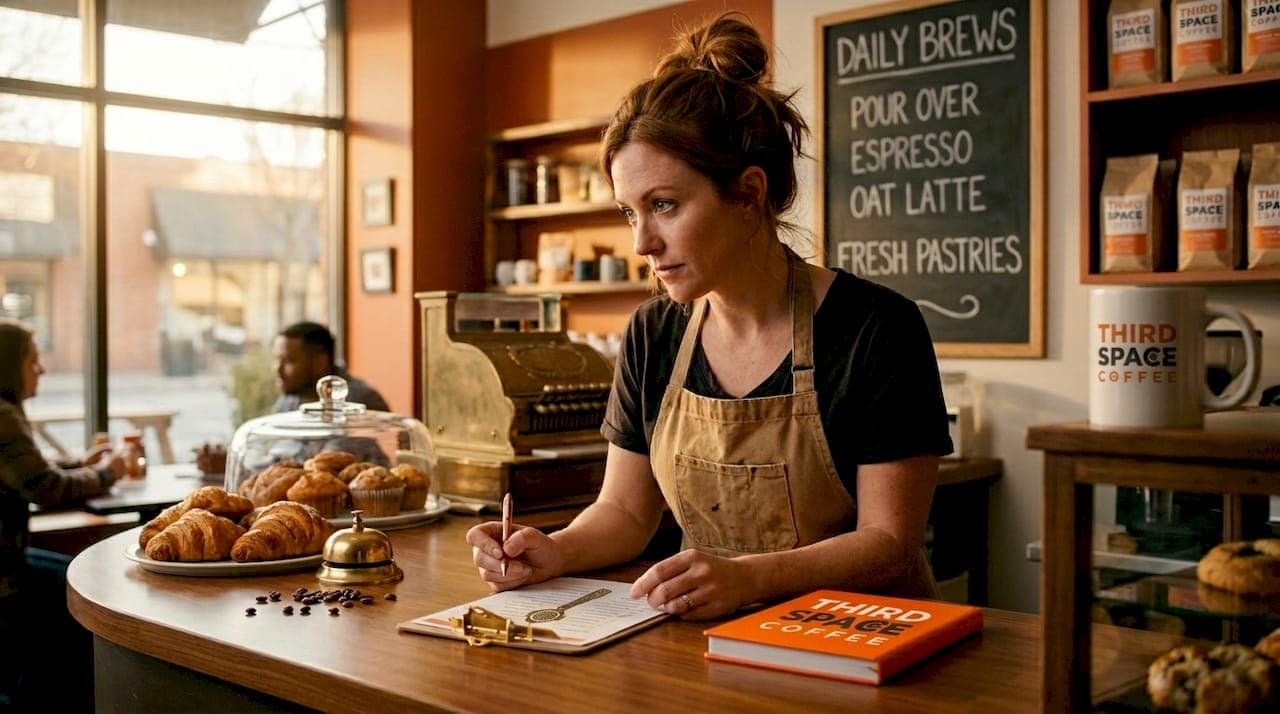
TL;DR:
- A well-organized coffee shop workflow improves efficiency by optimizing layout, checklists, and parallel tasking. Regular observation, reassessment, and staff feedback are essential to identify bottlenecks and maintain consistent quality. Proper planning and training lead to faster service, higher customer satisfaction, and better beverage quality.
Running a coffee shop without a clear system is like pulling espresso with a dirty portafilter. You get something, but not what you wanted. A solid coffee shop workflow guide gives you the operational structure to cut wait times, reduce staff stress, and serve consistently great drinks during your busiest hours. Whether you're managing a single-barista setup or a multi-station bar, the principles of efficient cafe operations come down to smart preparation, deliberate execution, and honest assessment of what's slowing you down.
Table of Contents
- Key takeaways
- Your coffee shop workflow guide starts with layout
- Step-by-step execution during service
- Inventory management within your workflow
- Fixing common bottlenecks
- My honest take on workflow optimization
- Taste what a great workflow produces
- FAQ
Key takeaways
| Point | Details |
|---|---|
| Layout before speed | Placing equipment in sequence eliminates unnecessary steps and reduces peak-hour delays. |
| Checklists anchor daily flow | Opening, mid-shift, and closing checklists prevent skipped tasks and keep service consistent. |
| Par levels protect profitability | Setting inventory buffers based on daily usage prevents both stockouts and costly overstock. |
| Parallel processing increases throughput | Splitting barista roles by zone allows simultaneous milk steaming and espresso pulling. |
| Workflow is never finished | Regular barista feedback and peak-time observation keep your operation improving over time. |
Your coffee shop workflow guide starts with layout
Most coffee shop problems that look like a staffing problem are actually a layout problem. Before you adjust schedules or retrain anyone, look at how your bar is physically arranged. The goal of any barista workflow strategy is to place each piece of equipment in the exact sequence a drink gets made: grinder next to the espresso machine, milk station directly beside the steaming area, with no more than one step between each task.
When your grinder is three feet from your machine, a barista makes that walk hundreds of times per shift. Multiply that by a full Saturday morning, and you have a measurable drag on output and energy. Optimizing equipment placement is not about buying new gear. It's about rethinking what you already have.
Daily checklists as operational anchors
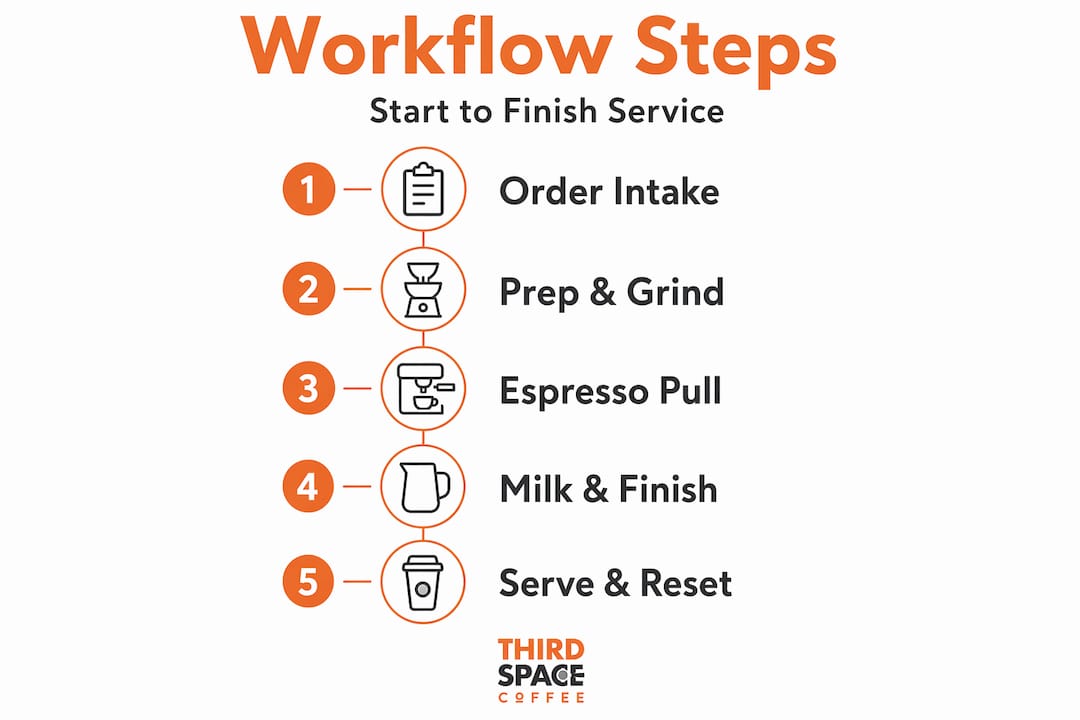
Once the physical setup is right, the next foundation is your checklist structure. A complete daily operations checklist covers opening tasks including security checks and equipment startup (typically 60 minutes), mid-shift quality checks, and closing procedures that run 30 to 60 minutes with cleaning and inventory prep.
Here's a practical breakdown of checklist categories to build around:
- Opening: Equipment startup, calibration checks, station stocking, milk and bean counts
- Mid-shift: Grinder dose checks, milk temperature verification, surface cleaning, restocking cups
- Closing: Waste logging, equipment cleaning, inventory prep for the next day, cash reconciliation
You can find a detailed event booking checklist at Thirdspacecoffee that also covers workflow touchpoints useful for daily service prep.
Pro Tip: Laminate your checklists and post them at each station rather than keeping one master copy. Baristas should be able to verify their own zone without walking to find a shared sheet.
| Checklist category | Key tasks | Approx. time |
|---|---|---|
| Opening | Equipment startup, calibration, restocking | 60 minutes |
| Mid-shift | Quality checks, cleaning, restocking | 15 to 20 minutes |
| Closing | Waste log, deep clean, inventory prep | 30 to 60 minutes |
Step-by-step execution during service
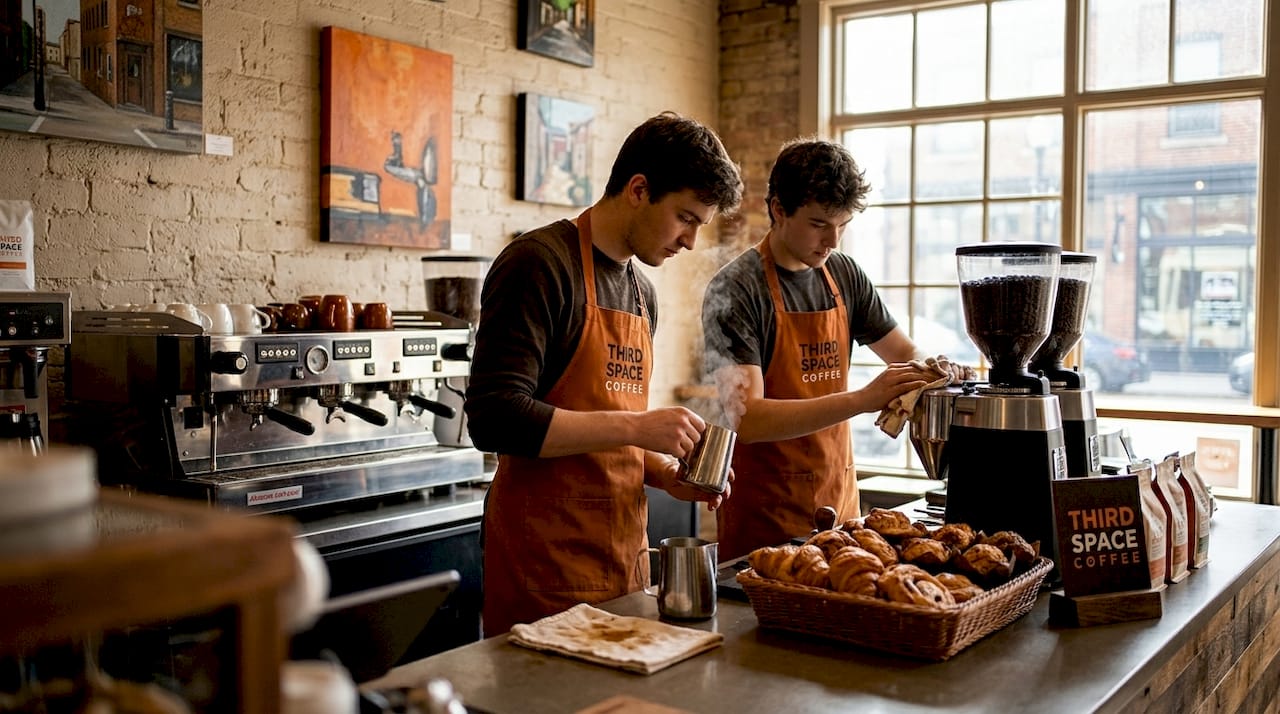
Once your layout and prep systems are in place, the focus shifts to how drinks actually get made under pressure. This is where barista workflow strategies either hold up or fall apart. The key concept is parallel processing: two tasks progressing at the same time without the baristas interfering with each other. Parallel processing zones allow one barista to pull espresso while another steams milk simultaneously, substantially increasing throughput without adding headcount.
Here is a sequenced execution workflow with timing benchmarks:
- Cup selection and marking (5 to 10 seconds): The order caller marks the cup and passes it to the bar.
- Dose and grind (10 to 15 seconds): The bar barista doses directly from the grinder into the portafilter.
- Tamp and lock (5 seconds): Use a calibrated tamper to keep pressure consistent across every shot.
- Espresso extraction (25 to 30 seconds): Start the shot and immediately move to the next step rather than watching the extraction.
- Milk steaming (20 to 25 seconds): Begin steaming while the shot pulls. This is where parallel processing saves the most time.
- Assembly and handoff (10 to 15 seconds): Pour, lid, and call the name.
A well-trained team on a 2-group espresso machine can produce around 180 cups per hour in a tight workflow. That number drops fast when steps overlap, baristas cross paths, or equipment is misplaced.
For multi-barista setups, define roles by zone rather than by drink type. One barista owns espresso and grinding. A second owns milk, assembly, and handoff. Splitting by zone prevents the constant negotiation over who does what that slows service during rushes.
Pro Tip: Run a dry drill with your team before a new layout goes live. Walk through 10 drink orders at half speed, narrating each step. You'll spot collisions and dead zones before customers do.
Inventory management within your workflow
Inventory is not separate from your service workflow. It's woven into it. When you run out of oat milk at 9 a.m. on a Saturday, you don't just lose a sale. You lose the barista's focus and the customer's trust. Setting par levels based on average daily usage plus a safety buffer is the most direct way to prevent that scenario.
For high-turnover, short-shelf-life items like milk and pastries, par levels should be recalculated weekly, not monthly. Your sales data from the POS is the starting point, but it only tells part of the story. Real-time inventory accuracy requires logging usage beyond sales, including remakes, comps, and expired stock, to prevent food cost discrepancies from compounding over time.
Here is where POS integration earns its place in a coffee business process guide:
- Track waste by category: espresso pulls, milk steaming overages, food spoilage, and comps
- Log waste at the point it happens, not at the end of the shift
- Review waste reports weekly to identify patterns rather than isolated incidents
POS-integrated waste logs help teams track losses with industry benchmarks of 2 to 3% of total inventory cost being acceptable. Anything above 5% signals a process problem that needs attention, not just tighter monitoring.
| Waste category | Acceptable benchmark | Action if exceeded |
|---|---|---|
| Espresso pulls | Less than 2% of shots | Recalibrate grinder dose and tamping pressure |
| Milk steaming | Less than 3% of volume used | Retrain on texturing technique and batch sizing |
| Food spoilage | Less than 2% of food cost | Adjust order quantities and par levels |
| Comps and remakes | Less than 1% of total sales | Review quality control at handoff step |
Fixing common bottlenecks
You can build a great system and still find it creaking under real-world pressure. The most common bottlenecks in cafe operations are not mysterious. They show up in the same places: at the espresso machine during peak hours, at the handoff point when drinks pile up unclaimed, and at the till when payment slows the whole line.
The most effective way to find them is direct observation combined with barista feedback, which remains the most underused tool in coffee shop management. Stand behind the bar during a busy Saturday. Watch where baristas pause, backtrack, or wait. Those moments are your bottlenecks.
Once identified, here is how to address the most common ones:
- Queue buildup at the espresso machine: Add a second grinder dedicated to decaf or high-volume single origin. One case study found that linear bar layouts with redundancy nearly halved queue times.
- Barista interference: Redefine zone boundaries. If two people keep reaching for the same tools, the zones are not clear enough.
- Handoff confusion: Use a designated pickup counter separate from the order counter. Label it clearly.
- Speed without quality: Resist the reflex to ask baristas to move faster. As the evidence shows, smarter equipment placement removes friction more reliably than pushing pace.
Pro Tip: Make one workflow change at a time and run it for a full week before assessing results. Stacking multiple changes simultaneously makes it impossible to know what actually worked.
My honest take on workflow optimization
I've seen owners invest $15,000 in a new espresso machine to solve a speed problem that was actually a layout problem. The new machine looked great. The lines stayed just as long.
What I've learned from watching high-volume cafés operate well is that the baristas who are closest to the problem almost always know where it is. They just aren't asked often enough. In my experience, the most productive thing an owner can do is spend 30 minutes a month asking each team member one question: "What slows you down the most?" The answers will tell you more than any time-and-motion study.
I'd also push back on the idea that more equipment equals better workflow. A properly operated 2-group machine with trained staff and a smart layout will outperform an under-trained team on a 3-group machine nearly every time. The investment in training returns more per dollar than almost any hardware upgrade.
The hardest part of workflow optimization is accepting that it's never done. Your layout that works perfectly for 80 customers a day may fall apart at 120. Build the habit of reassessment into your quarterly calendar, not just your crisis response.
— Tanya
Taste what a great workflow produces
A well-designed operation shows up in the cup. When your bar runs without friction, your baristas have the attention and time to pull better shots and texture milk with care. That's exactly the philosophy behind Thirdspacecoffee in Colorado Springs, where in-house roasted beans meet a service model built around consistency and quality. Whether you're looking to taste what efficient cafe operations produce or source beans that reward a dialed-in workflow, explore the specialty drinks menu or browse whole bean coffee roasted right on-site. For cafés serving events, Thirdspacecoffee also offers menu planning resources that align directly with how to set up coffee shop events and run them smoothly.
FAQ
What is a coffee shop workflow?
A coffee shop workflow is the defined sequence of steps from order to handoff, covering grinding, extraction, milk preparation, assembly, and drink delivery. A well-structured workflow reduces wait times and keeps quality consistent across every drink.
How do you set up an efficient coffee shop event workflow?
To set up a coffee shop event workflow, define roles in advance, stock stations before guests arrive, and use a printed checklist covering pre-event prep, active service, and breakdown tasks. Separating the event flow from regular service prevents interference and keeps both running smoothly.
How often should you reassess your cafe workflow?
Assess your workflow at least quarterly, and after any significant volume change such as a new marketing push or seasonal spike. Continuous improvement through regular barista feedback keeps operations efficient as your business grows.
What is an acceptable waste rate for a coffee shop?
Industry benchmarks put acceptable waste at 2 to 3% of total inventory cost. A rate above 5% typically signals a process problem in espresso calibration, milk handling, or ordering practices that needs a direct fix.
How many drinks can one barista make per hour?
A trained barista on a 2-group espresso machine in a tight workflow setup can produce around 180 cups per hour. That number depends heavily on layout efficiency, parallel processing, and equipment calibration.