 listicle
Best Cafes With Fast Wi-Fi and Power Outlets
Table of Contents
- What Makes a Cafe Work-Friendly: Fast Wi-Fi and Power Outlets
- Work-Friendly Cafes With Free Wi-Fi in Colorado Springs
- Coffee Shops With Power Outlets: What to Look For
- How to Test Cafe Wi-Fi Speed Before You Commit
- Coffee Shop Etiquette for Remote Workers
- Planning Your Work Session: Seating, Noise, and Crowding
- Frequently Asked Questions
Last Updated: October 17, 2026
What Makes a Cafe Work-Friendly: Fast Wi-Fi and Power Outlets
The best cafes with fast Wi-Fi and power outlets in Colorado Springs combine reliable internet, accessible charging, and comfortable seating into a productive environment.
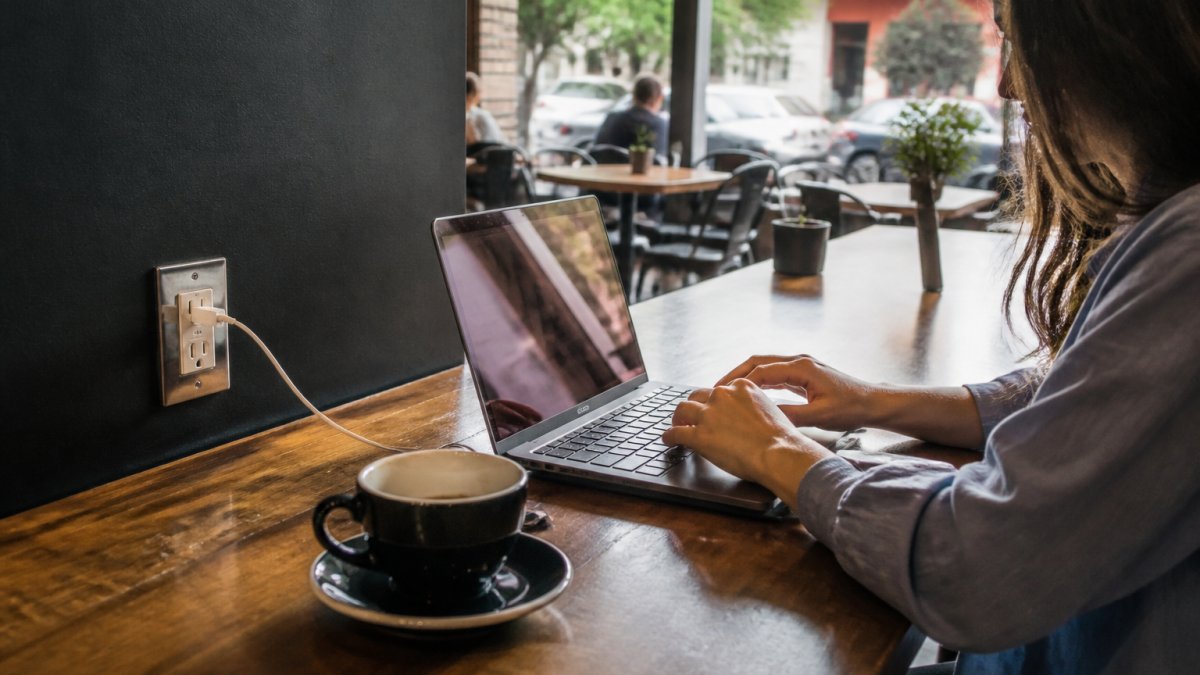
Remote workers and students need two non-negotiables when choosing cafes with fast wifi and power outlets: connectivity and power. Fast Wi-Fi keeps video calls and uploads lag-free, and nearby outlets mean you can work a full day without hunting for a charger. Beyond that, the right cafe offers quiet corners, comfortable seating, and an atmosphere that doesn't make you feel rushed.
At Third Space Coffee, we've designed our space for people who work or study for hours at a time. Our in-house roasted coffee keeps you fueled, and our layout includes plenty of seating with accessible outlets, a productive third space to focus, meet colleagues, or host small team sessions.
Work-Friendly Cafes With Free Wi-Fi in Colorado Springs
Below is a verified roundup organized around fast Wi-Fi and accessible power outlets, plus the visit logistics (hours, seating, noise, crowding) that determine whether a cafe works for your task.
Third Space Coffee: In-House Roasting and Meeting Space
Third Space Coffee is built around extended work sessions. Beans are roasted on-site within days rather than weeks, booth seating has outlets at the table rather than across the room, and Wi-Fi is intended to support video calls and file uploads. Flexible meeting room rental accommodates groups from small huddles to larger gatherings.
Best for: focused solo work, small team meetings, and multi-hour use without feeling rushed. Verify on arrival: Wi-Fi speed at your table, outlet count per booth, and meeting room availability. The shop has been voted Best Coffee Shop in Colorado Springs, reflecting both coffee quality and its community-hub atmosphere.
Homa Cafe: Booth Seating With Outlets
Homa Cafe earns its reputation among remote workers for one concrete reason: booth seating with power outlets built into the booths themselves. No hunting for an outlet or sitting at an awkward angle, the outlet is at your table.
Local recommendations also highlight good Wi-Fi and a large menu, so there are options beyond coffee for long sessions. The booth layout creates natural privacy. Best for: focused work and confidential calls. Verify on arrival: whether all booths have outlets or only some, and booth availability during your work hours.
Mission Coffee Roasters: Comfortable Seating for Long Sessions
Mission Coffee Roasters appears consistently in local guides for work-friendly places, known for comfortable seating that does not feel temporary, actual chairs and tables rather than high-counter stools. It is included in guides focused on free Wi-Fi venues and power sockets, so it has been vetted for these basics.
Best for: multi-hour sessions where seating comfort matters as much as connectivity. Verify on arrival: outlet access at the tables you would actually choose, and noise level during peak hours.
Tempo Espresso & Coffee: Downtown Location
Tempo Espresso & Coffee's downtown location suits professionals meeting clients or colleagues, and puts you near other businesses if you are moving between meetings rather than staying in one spot. Local work-friendly guides include Tempo for its power sockets and comfortable seating.
Best for: client meetings and workdays that mix cafe time with other downtown stops. Verify on arrival: parking options and foot-traffic patterns, which differ from neighborhood cafes and affect commute and meeting logistics.
Beans & Brews: Confirmed Free Wi-Fi
Beans & Brews at 3703 Bloomington Street confirms free Wi-Fi as a core offering and specifically highlights that it is available for work or study sessions, a signal they have thought about the remote-work use case rather than treating Wi-Fi as an afterthought.
Best for: remote workers who want a confirmed Wi-Fi baseline before walking in. Verify on arrival: whether outlets are available at seating, since confirmed Wi-Fi does not guarantee confirmed power.
Side-by-Side Comparison
| Cafe | Wi-Fi | Outlets | Seating | Best For |
|---|---|---|---|---|
| Third Space Coffee | Strong, built for calls/uploads | Booth outlets at table | Booths, meeting room | Focused work, team meetings |
| Homa Cafe | Good (per local recs) | Built into booths | Private booths | Focused work, calls |
| Mission Coffee Roasters | Free Wi-Fi (vetted in guides) | Available (verify) | Comfortable chairs/tables | Long sessions |
| Tempo Espresso & Coffee | Available (per guides) | Power sockets (per guides) | Comfortable seating | Client meetings, downtown days |
| Beans & Brews | Confirmed free Wi-Fi | Verify on arrival | Standard cafe seating | Confirmed Wi-Fi baseline |
Coffee Shops With Power Outlets: What to Look For
When evaluating cafes with fast wifi and power outlets, check a few practical details before committing to a regular spot.
Location and accessibility. Outlets at the back near the restrooms aren't useful if you need to see the door. Booths with built-in outlets, tables near wall plugs, or seating around power strips give you real options.
Outlet count and availability. One outlet per table isn't enough if you're working with a laptop and need to charge your phone. Look for setups with multiple outlets per seating area or tables positioned near power strips.
Seating comfort and table space. Remote work requires room for a laptop, notebook, coffee cup, and maybe a phone or keyboard. Skip the cocktail table, you need real surface area and a chair that supports your back for hours, not a trendy stool.
Noise level and crowding. Test the cafe during your intended work hours, a quiet morning spot might become a social hub at lunch. For video calls, pick a spot where background noise won't be a problem.
How to Test Cafe Wi-Fi Speed Before You Commit
Most cafe guides say Wi-Fi is "fast" and stop there, not useful when you have a client call at 2 p.m. Here is a repeatable five-minute test, how to interpret the result for your work, and a fallback plan when a connection does not hold up.
The Five-Minute Test
Run a free speed-testing tool at the table where you would actually sit, not near the router, signal strength drops with distance.
- Download speed: at least 10 Mbps for email, browsing, and document work; 25+ Mbps for video calls and screen sharing.
- Upload speed: at least 5 Mbps if you upload files, back up to the cloud, or stream video on calls.
- Latency (ping): under 100 ms for calls; lower is better. High latency causes the lag and dropped audio that speed numbers alone do not reveal.
- Jitter: the variation in latency. Consistent numbers matter more than a single fast reading.
Test during the time of day you would normally work. Morning Wi-Fi may be fast because few people are online; lunchtime can be congested. If you are a morning worker, test in the morning.
Translate the Numbers Into a Work Decision
A single reading is a snapshot, not a guarantee. Run the test twice, on arrival and 30 minutes later, to see whether the connection holds under load. A cafe that reads 40 Mbps at 9 a.m. and 8 Mbps at noon will not support afternoon video calls.
Ask Staff the Right Questions
Ask staff directly about Wi-Fi speed and reliability. They know whether it holds up during peak hours and whether the infrastructure is recent. Useful questions:
- "Does the Wi-Fi hold up during your busiest hours?"
- "Is there a separate network or password for longer sessions?"
- "Have you upgraded the router or service recently?"
When the Wi-Fi Fails Mid-Session
Even a verified cafe can have an off day. Have a fallback ready: tether to your phone's hotspot for the critical call, move closer to the router, or relocate to a library or coworking space. A two- or three-spot rotation means one bad connection does not derail your workday.
Coffee Shop Etiquette for Remote Workers
Working from a cafe isn't free rent. The cafe is a business, not a coworking space, and these unspoken rules keep it welcoming for everyone.

Buy something regularly. You're occupying a seat that could generate revenue, and a single coffee doesn't justify four hours at the table.
Don't monopolize outlets or seating. When it's busy, don't spread across two tables or hog the only corner outlet.
Keep noise reasonable. Take calls outside or in a corner where your voice doesn't carry. Use headphones for video calls and music, and keep colleague conversations at normal volume.
Respect closing time. Don't linger 15 minutes past closing. Pack up when the cafe says it's closing. Staff want to clean up and go home.
Don't treat it like a private office. You're in a public space. Other customers are there to relax, meet friends, or grab coffee.
Planning Your Work Session: Seating, Noise, and Crowding
The best cafe for you depends on what kind of work you're doing and when you're doing it.
If you're taking video calls, you need a quiet corner away from the counter and espresso machine. Booths beat open tables.
If you're doing focused writing or coding, you want minimal distractions. Morning hours typically mean fewer people. Afternoons and evenings bring social crowds. Weekday mornings are quieter than weekends.
If you're meeting a colleague or client, you want a semi-private table, not at the counter where everyone walks past, but not so isolated it feels awkward.
Crowding affects both noise and outlet availability: a packed cafe means fewer tables with accessible outlets, more background noise, and more interruptions. For consistent conditions, visit the same cafe at the same time each day and learn its rhythm.
Some remote workers rotate between cafes depending on the task. Third Space Coffee works well for focused work. Busier cafes suit collaborative work or meetings.
Finding cafes with fast Wi-Fi and power outlets means looking for places that take remote work seriously. At Third Space Coffee, we've built our space around that commitment, in-house roasted coffee, strong Wi-Fi, booth seating with accessible outlets, and a quiet atmosphere that supports focus.
Frequently Asked Questions
Which cafes have power outlets and reliable Wi-Fi?
Third Space Coffee, Homa Cafe, Mission Coffee Roasters, Tempo Espresso & Coffee, and Beans & Brews all offer both amenities. Third Space Coffee stands out with in-house roasted beans and meeting room options. Homa Cafe specifically features booth seating with outlets. Before visiting, confirm outlet placement and Wi-Fi speed by calling ahead or testing the connection during a short visit, since availability can vary by location and time of day.
How can I check whether a cafe's Wi-Fi is fast enough for video calls?
Visit the cafe and use a speed test app like Speedtest by Ookla on your phone or laptop. For video calls, aim for sufficient download and upload speeds. Test during the time of day you plan to work there, since cafes often see slower speeds during peak hours. Ask the staff about their typical speeds and whether they've had other remote workers report good performance. Some cafes may let you test the connection before committing to a full work session.
How long is it appropriate to work from a coffee shop?
Most cafes expect customers to make regular purchases during their stay. During busy times, keep sessions shorter to respect other customers seeking seating. Always observe the cafe's vibe and occupancy, if it's packed, wrap up sooner. Call ahead if you plan a four-hour session to confirm the cafe can accommodate you.
What should I bring to work comfortably from a cafe?
Bring your laptop, charger, and headphones for calls and focus. A portable power bank extends your session if outlets are limited. Bring a notebook and pen for offline work or note-taking. Pack noise-canceling headphones or earbuds for concentration during peak hours. Bring your own water bottle to stay hydrated without needing constant cafe purchases. A small bag or backpack keeps your workspace organized. Consider bringing a laptop stand or small cushion for ergonomic comfort during longer sessions, especially in cafes with varied seating quality.