 blog
blog
7 Tips for Professional Remote Work in Public Cafes
Quick Summary
Tips for professional remote work in public cafes start with good etiquette: order when you arrive, reorder regularly, and keep your belongings tidy. Protect your data by updating your device, confirming the network name with staff, and connecting through a VPN. Pack a charged laptop, headphones, and a power bank, and choose a café by scoring its Wi-Fi, power, and noise.
- Order when you arrive and reorder when your drink runs low.
- Confirm the exact Wi-Fi network name with staff to avoid lookalike hotspots.
- Connect through a VPN before logging in to any work-related account.
- Keep banking, payroll, and client systems off café Wi-Fi and use a hotspot instead.
- Stand, stretch, and reset your seat every 45 to 60 minutes.
Table of Contents
- Why Public Cafes Work for Remote Professionals
- Coffee Shop Etiquette for Remote Workers
- Public Wi-Fi Security Tips for Your Laptop and Data
- Coffee Shop Video Call Etiquette and Confidential Work
- How Long to Work in a Coffee Shop Without Overstaying
- Packing Checklist and Choosing the Right Cafe for Your Workday
- Setting Up Your Next Productive Session at Third Space Coffee
- Frequently Asked Questions
Last Updated: October 27, 2026
Working from a coffee shop can be one of the best decisions a remote professional makes, and these tips for professional remote work in public cafes help you make the most of it. The change of scenery sparks focus, the background hum keeps you company, and a fresh cup of coffee beats another refill from the kitchen. Still, a café is a shared space, and a few habits separate the professionals who thrive there from the ones who get quietly asked to leave. Compare it with a dedicated home office in our complete work-from-home setup guide. Below, we share seven tips for professional remote work in public cafes, from etiquette and Wi-Fi security to packing and planning your session at Third Space Coffee.
Why Public Cafes Work for Remote Professionals
Public cafes give remote workers a "third space," a place that is neither home nor the office.
The main advantages are simple:
- Change of scenery: A new environment can break up a long day of staring at the same walls.
- Built-in social energy: Quiet chatter keeps many people alert without pulling them into conversation.
- Easy access to coffee and food: Your workday fuel is always within reach.
The trade-off is that you share the space with strangers. The tips below help you use that space well.
Coffee Shop Etiquette for Remote Workers
Good etiquette keeps you welcome. Respect the staff and other customers. Here is how to do that.
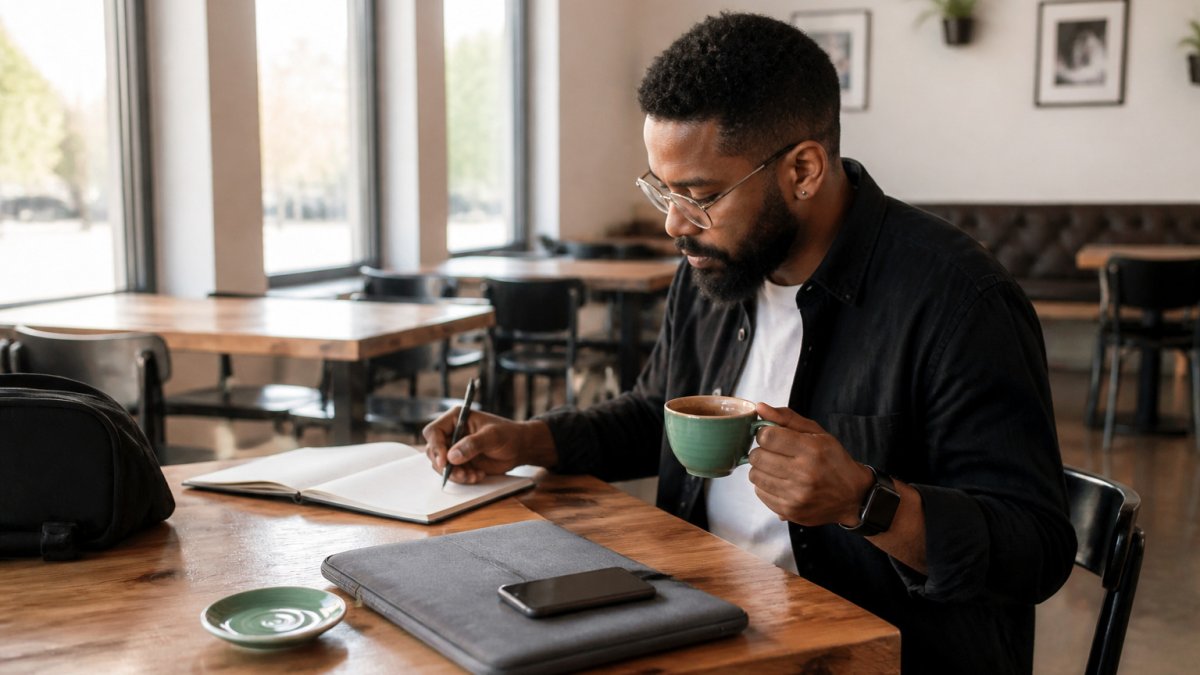
Ordering and Spending Fairly
Cafés depend on sales, so spending a fair amount is part of the deal.
- Order when you arrive, then reorder when your drink runs low. Find cafes with fast Wi-Fi and power outlets before you commit to a long session.
- Pick food or a pastry for longer sessions.
- Tip staff when you can, especially during busy rushes.
Keeping Your Space Considerate
Your belongings should stay close to your seat. A single laptop and one drink take up little room.
- Keep bags and chargers tucked under the table.
- Move to a smaller table when the café fills up.
- Keep phone calls short or step outside.
Public Wi-Fi Security Tips for Your Laptop and Data
Free café Wi-Fi is convenient, but it is a shared network, and shared networks reward preparation. Read our guide to how reliable free coffee shop Wi-Fi is for work before you rely on it. Rather than a vague reminder to "be careful," treat your café session like a short security routine you run before you open a single work file. The checklist below is the practical version of the advice most articles only gesture at.
Before You Connect: A Five-Minute Checklist
- Update your device first. Install pending operating system and browser updates at home, not on café Wi-Fi. Updates close known vulnerabilities that public networks can expose.
- Confirm the exact network name with staff. Lookalike hotspots with names like "Cafe_Free_WiFi" are a common trick. Ask the barista for the precise SSID and password rather than picking the strongest signal.
- Turn on your firewall. Your operating system's built-in firewall adds a basic layer of protection and should stay on for the whole session.
- Disable file and printer sharing. Make sure your laptop is not advertising shared folders or devices to everyone on the network.
- Turn off auto-connect to open networks. Otherwise your device may silently join an untrusted network later in the day.
- Connect through a VPN. A virtual private network encrypts your traffic so others on the same network cannot read it. Start the VPN before you log in to anything work-related, and confirm it is actually connected.
- Use a privacy screen or sit with your back to a wall. Shoulder-surfing is low-tech and common in busy rooms. A privacy filter or a seat facing the room solves most of it.
- Lock your screen every time you step away. Even a quick trip to the counter is enough time for someone to look at an open document.
What to Keep Off Café Wi-Fi
Even with a VPN, some tasks are better saved for a trusted connection:
- Banking, payroll, and tax portals
- Client systems that hold financial, health, or personal records
- Password manager setup or recovery flows
- Large file transfers that would hog the café's bandwidth
If you must handle sensitive work, tether to your phone's mobile hotspot instead of the café network. It is a private connection you control, and it removes the shared-network risk entirely.
A Note on Public Guidance
The Federal Trade Commission publishes plain-language guidance on using public Wi-Fi safely, including warnings about unsecured networks and the value of keeping software current. It is worth a read before you take on sensitive client work. FTC guidance on public Wi-Fi safety
Coffee Shop Video Call Etiquette and Confidential Work
Video calls and confidential conversations need extra care in a public room. Plan for them before you sit down.
- Use headphones with a microphone so you are not broadcasting the call to the room.
- Keep the camera angle away from other customers' screens and faces.
- Avoid discussing client names, passwords, or financial details out loud.
- Choose a quieter corner or a seat with your back to the wall for sensitive calls.
- Check your camera background before you join.
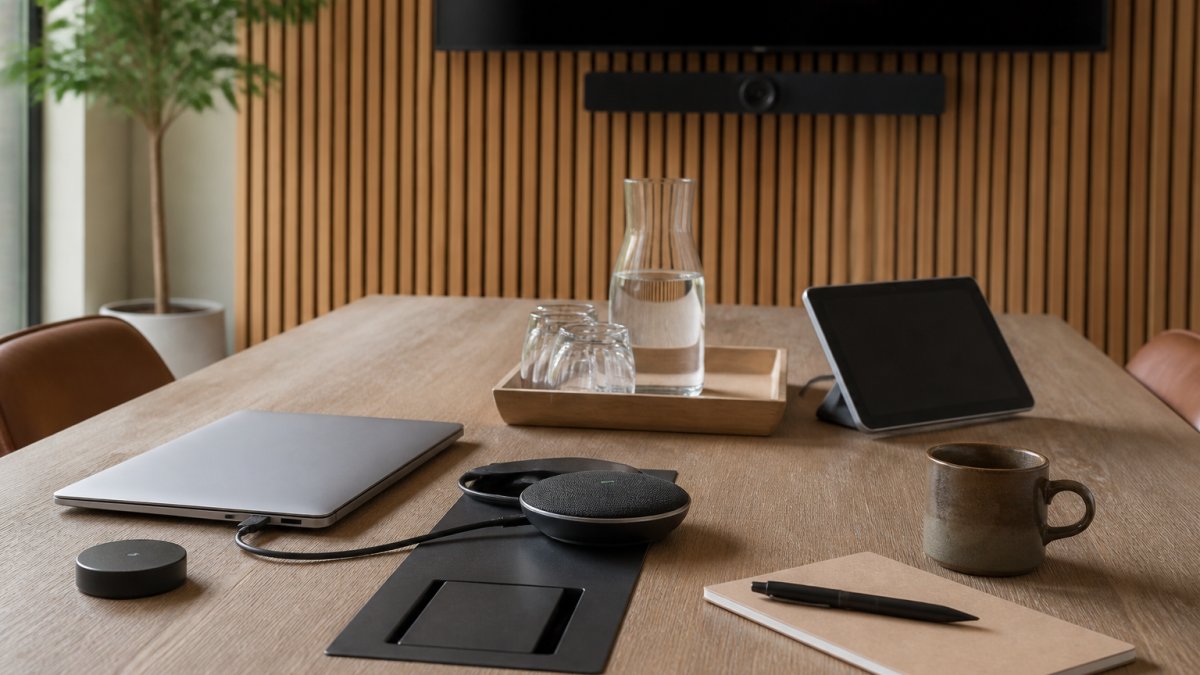
If a call is confidential and the café is loud or crowded, reschedule it for a quieter time or move it to a private space. See how hybrid meeting room setups are typically arranged if you need a more controlled environment.
How Long to Work in a Coffee Shop Without Overstaying
Watch the room and adjust.
- Watch the room: Pack up when the line grows and the tables fill.
- Ask about venue policies: Staff can tell you what applies.
Packing Checklist and Choosing the Right Cafe for Your Workday
A good session starts before you leave home. Pack light, then score the venue before you commit a full workday to it.
What to Pack
- Fully charged laptop and charger
- Headphones with a microphone
- Portable power bank and cable
- VPN app installed and tested
- Privacy screen or a seat plan that keeps your screen out of view
- Notebook and pen for quick notes
- Water bottle and a snack
- A light layer in case the café runs cold
A Pre-Visit Scoring Rubric
Use a simple 1-to-5 score on each line below and pick the café with the highest total for the kind of work you have planned.
| Criterion | What to check | Score (1-5) |
|---|---|---|
| Wi-Fi reliability | Ask staff about speed and whether it drops at peak hours; test a video call before you settle in | |
| Power access | Count outlets near seating; a wall seat with an outlet beats a central table without one | |
| Seating and table fit | Can a laptop, a drink, and your notes share the table without crowding? | |
| Noise level | Is the room quiet enough for calls, or better for focused solo work? | |
| Accessibility | Step-free entry, accessible seating, and restroom access, check before you go if these matter to you | |
| Policies | Time limits, purchase expectations, and busy-hour rules | |
| Food and drink | Enough options to keep you fueled without leaving |
Weight the rows for your day: a call-heavy morning should weight noise and Wi-Fi higher; a deep-focus afternoon should weight seating and power higher.
Accessibility and Sensory Needs
Before a first visit, check step-free entry, doorway width, accessible seating, and restroom access. If you are sensitive to noise or light, ask whether there is a quieter back room or a seat away from the espresso machine and the door. A quick phone call or a look at the venue's website can help you plan.
Ergonomics and Session Planning
Café tables are rarely designed for eight hours of laptop work. Plan around that:
- Choose tasks that suit the room. Email, writing, and light research travel well; long video calls and heavy spreadsheet work do not.
- Set a posture timer. Stand, stretch, and reset your seat every 45 to 60 minutes.
- Plan your battery. A power bank covers the gap if outlets are taken, and a full charge before you leave avoids a mid-session scramble.
- Match session length to the venue. A two- to three-hour block suits most cafés; longer sessions belong at a coworking space or home.
Setting Up Your Next Productive Session at Third Space Coffee
Now you have the tips. Put them to work on your next visit. At Third Space Coffee, we serve coffee roasted in-house, and our versatile space is available for after-hours events and meetings. Stop by, order a drink, and make the most of your session. Balancing professional demands with family life requires a different approach to productivity in coworking spaces when you are managing your schedule alongside your children.
Frequently Asked Questions
How do you work professionally from a cafe?
Arrive before the lunch rush and order something you will reorder during a long session. Keep your laptop charged, use headphones, and avoid spreading papers across shared space. Treat the cafe as a temporary office: dress for the setting, keep calls short and discreet, and clear your belongings when you leave so the table is ready for the next person.
What is proper etiquette for working in a coffee shop?
Buy food or drinks regularly rather than occupying a seat with a single small purchase. Keep your voice low, use headphones for audio, and do not hog a table meant for groups during busy hours. Thank staff when you leave. These habits keep you welcome and make it easier to return as a regular.
How long is it appropriate to work from a cafe?
Check the venue's policy and watch for signs that tables are needed, such as a queue at the counter. If you plan a long day, consider stepping out during peak times so you do not become a problem for other customers.
How can you protect your laptop and data on public Wi-Fi?
Connect only to the cafe's official network, confirm its exact name with staff, and avoid accessing banking or sensitive accounts without a VPN. Turn off file sharing, keep your operating system and browser updated, and use multi-factor authentication. Never leave your laptop unattended, even briefly, and use a privacy screen when working in a visible seat.